Hush
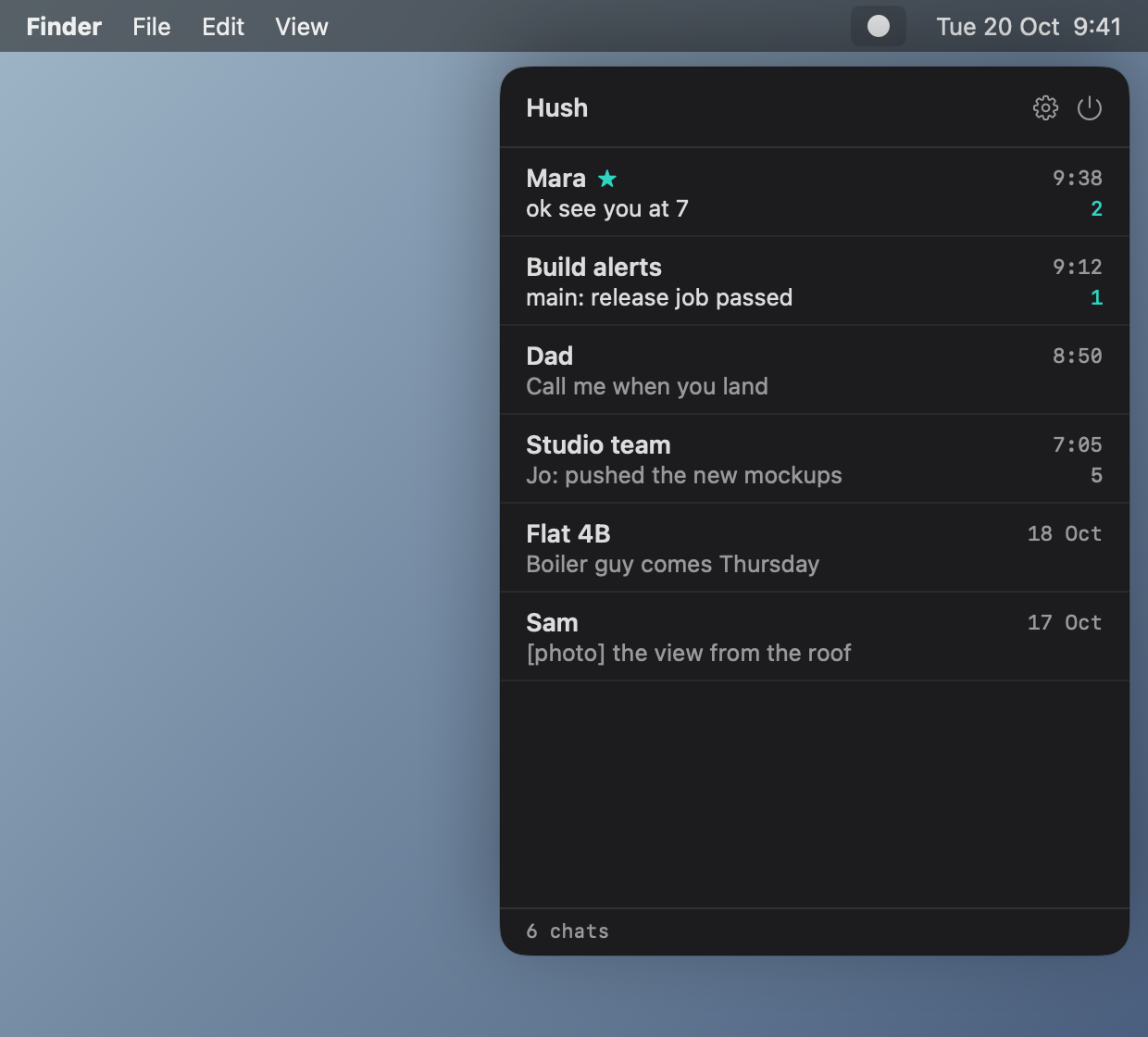
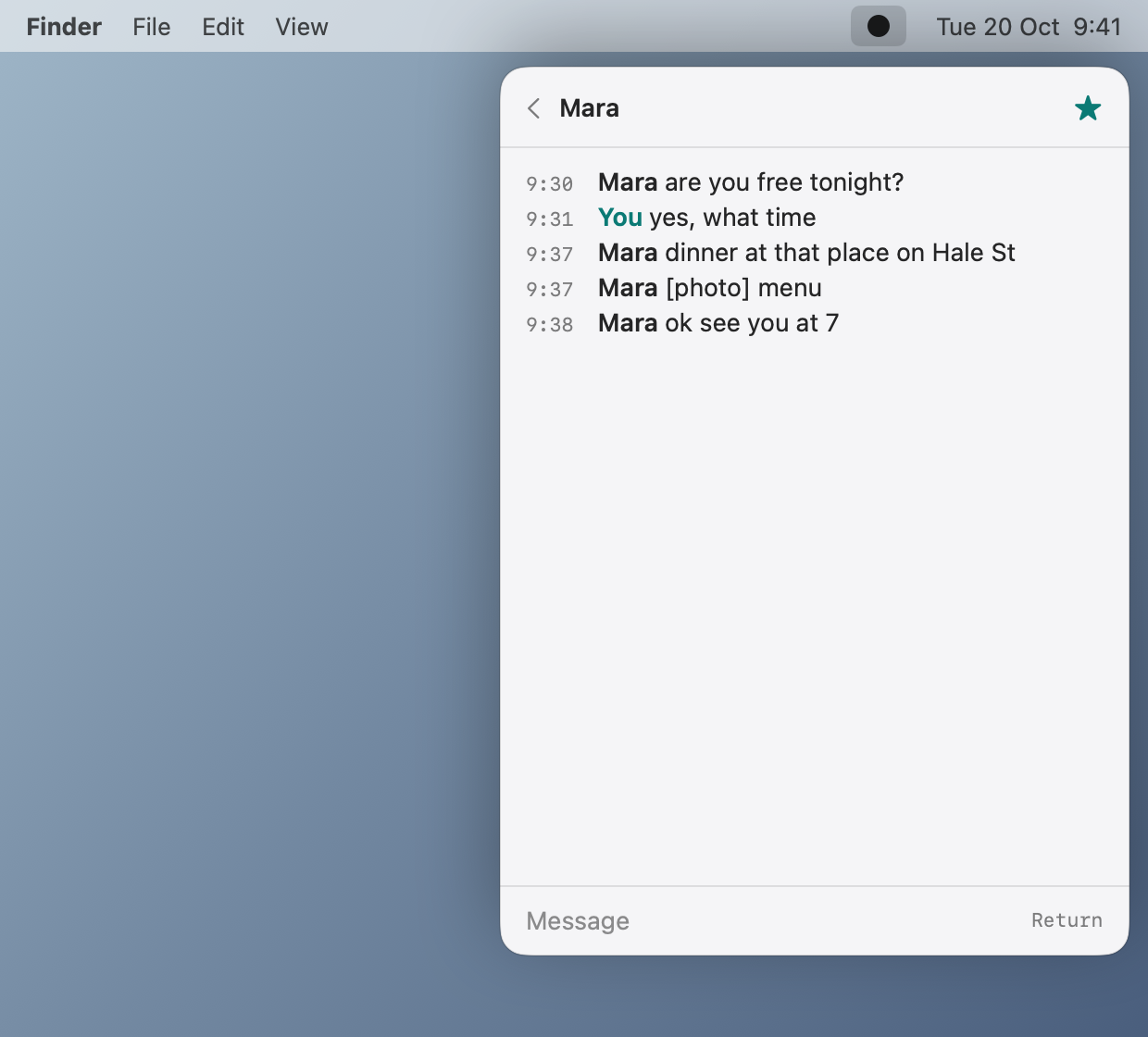
Telegram as plain text in your Mac menu bar. A list of chats, one conversation, one box to type in. Agents get the same text through MCP.
What it is
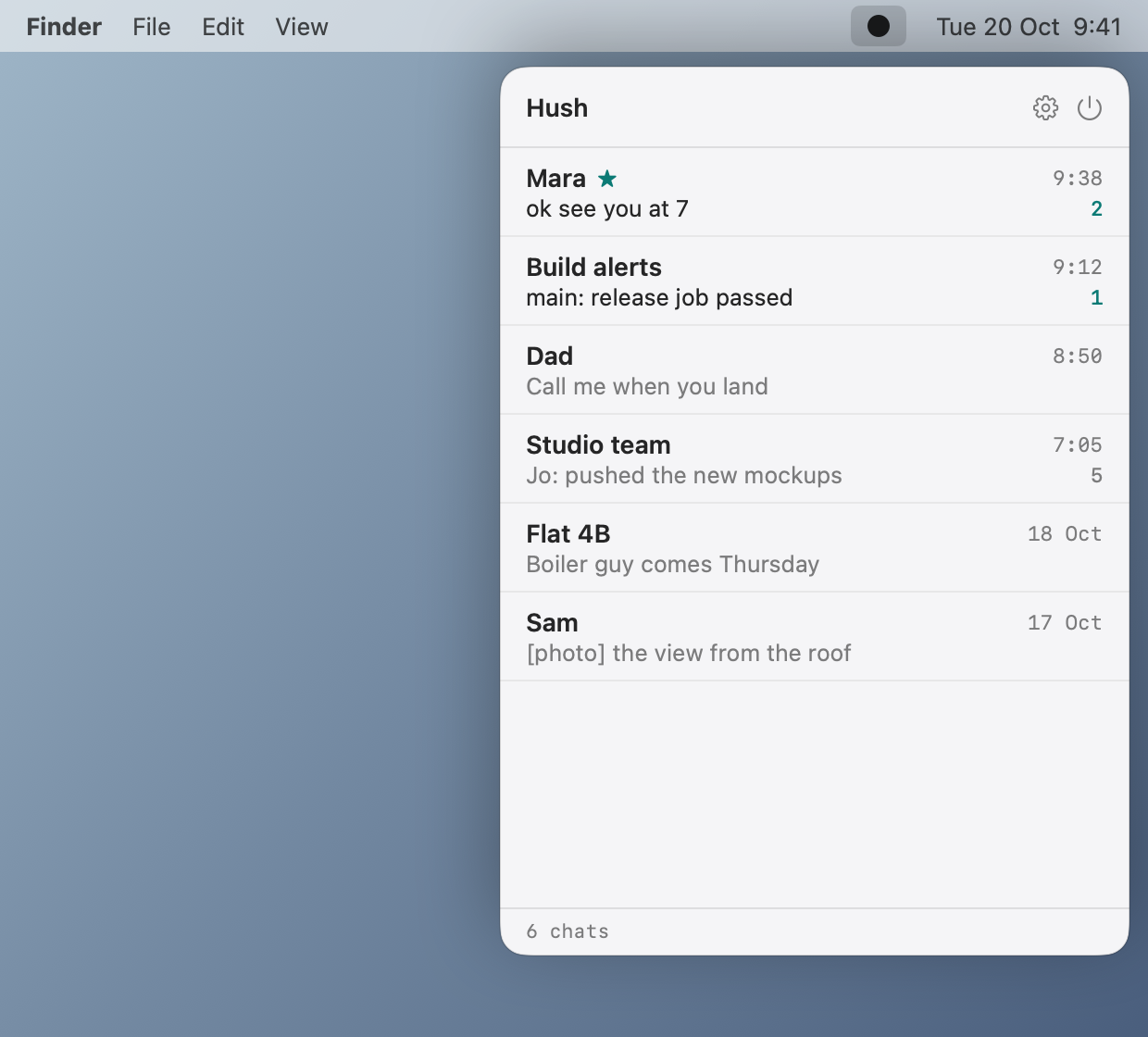
One dot in the menu bar: filled when something unread is waiting, outlined when you are caught up. No badges, no sounds. Star a chat to get banners for it only, and a stack view of its unread messages.
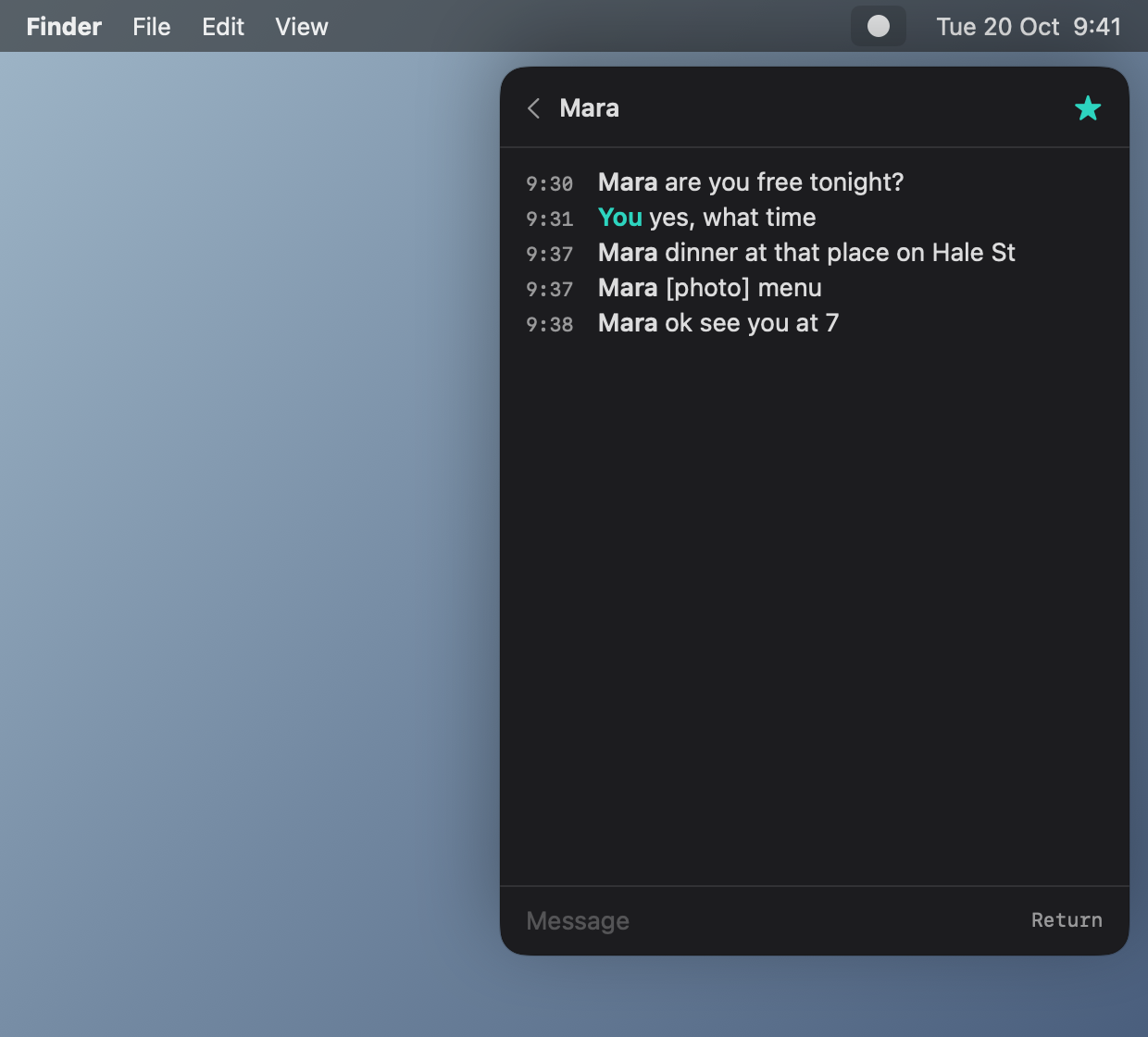
Chats, lines, one box. Photos and files show as a marker like [photo] and are never downloaded. No stickers, search, replies or forwards.
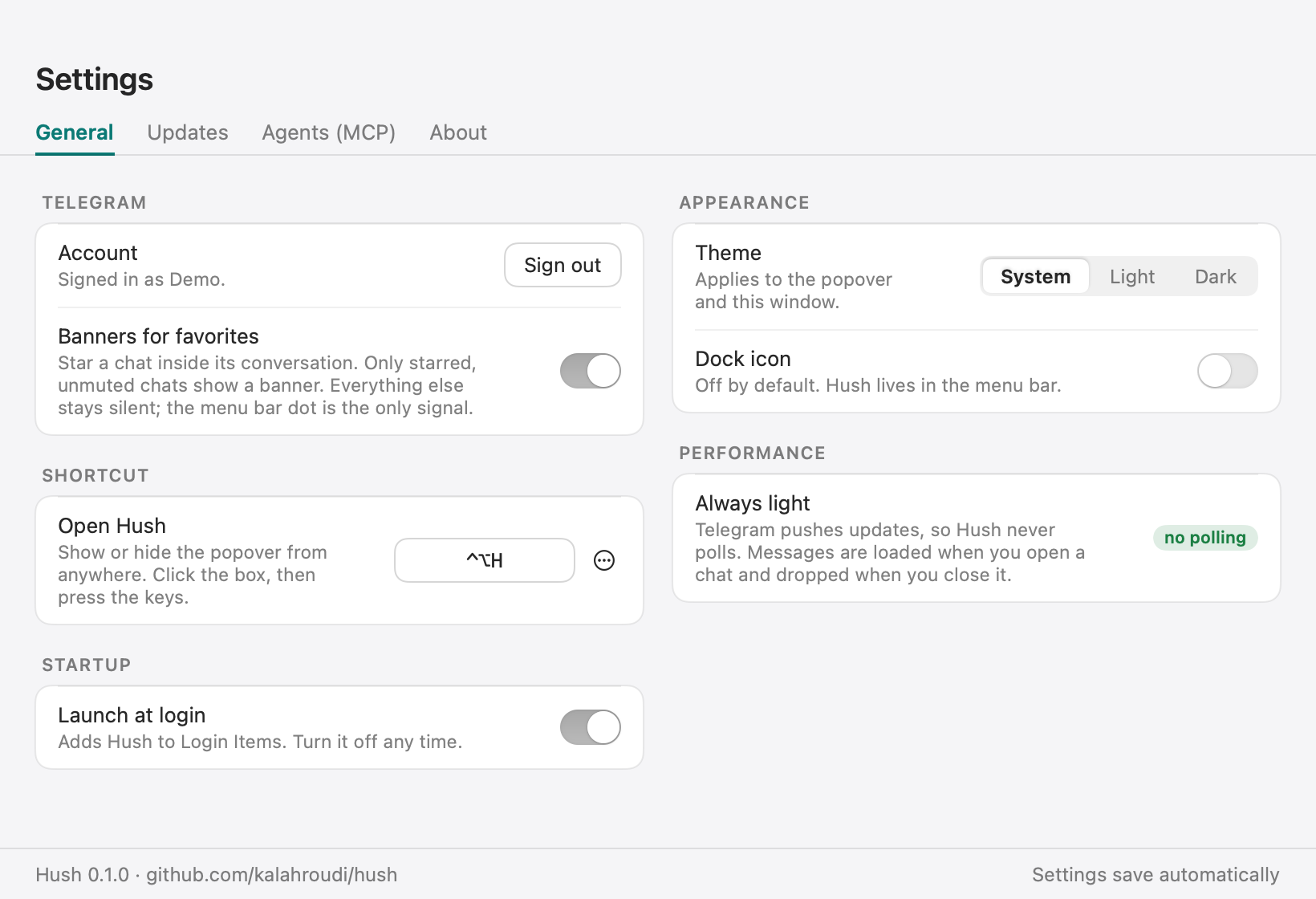
About 4 MB. Telegram pushes updates, so nothing polls. The interface is destroyed when closed and no message database is kept.
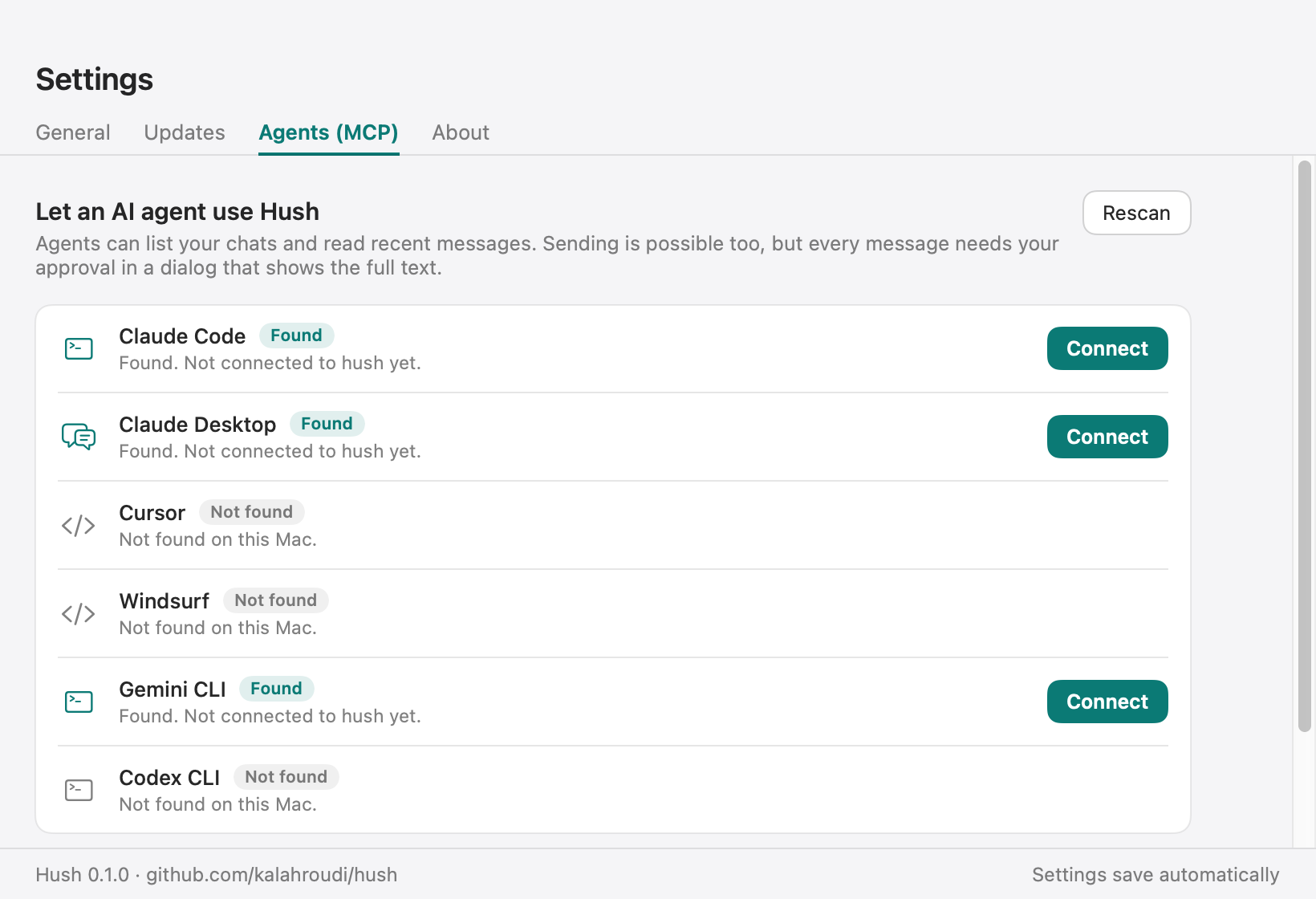
A built-in MCP server lists chats, reads messages and, with your approval every time, sends.
Favorites stack
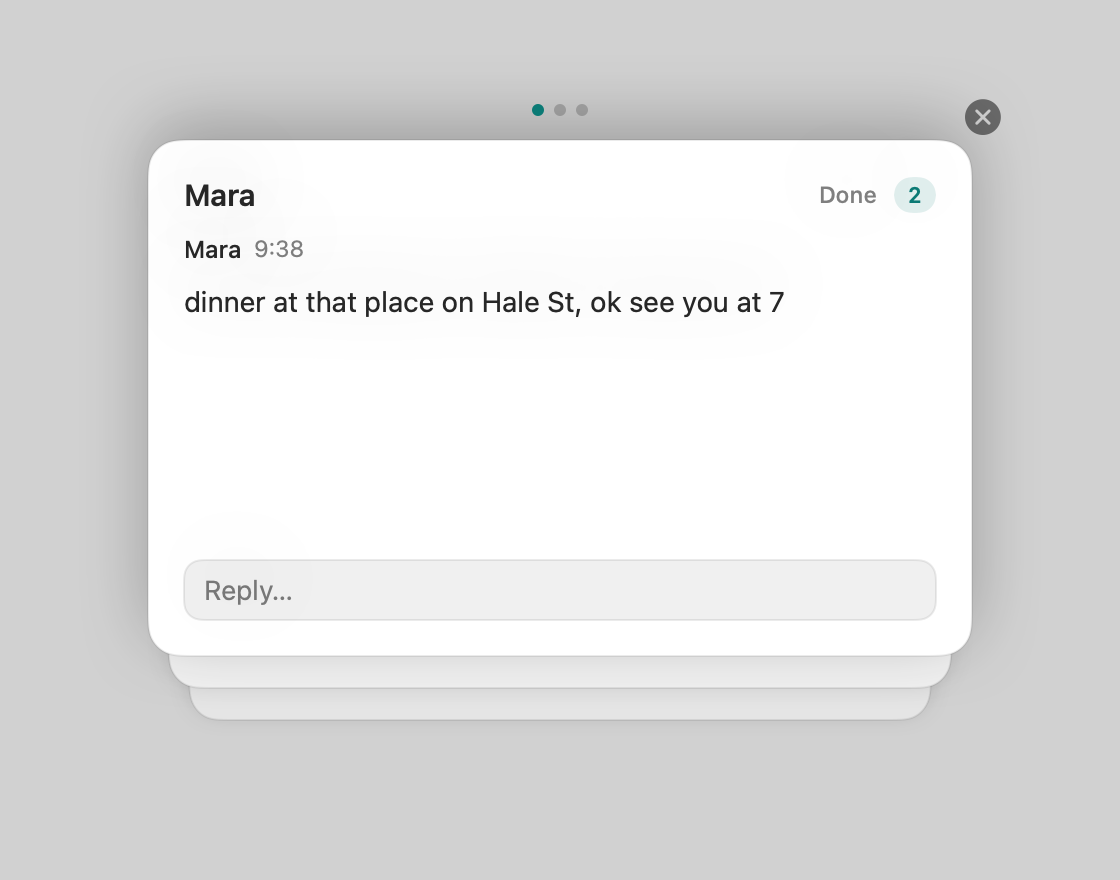
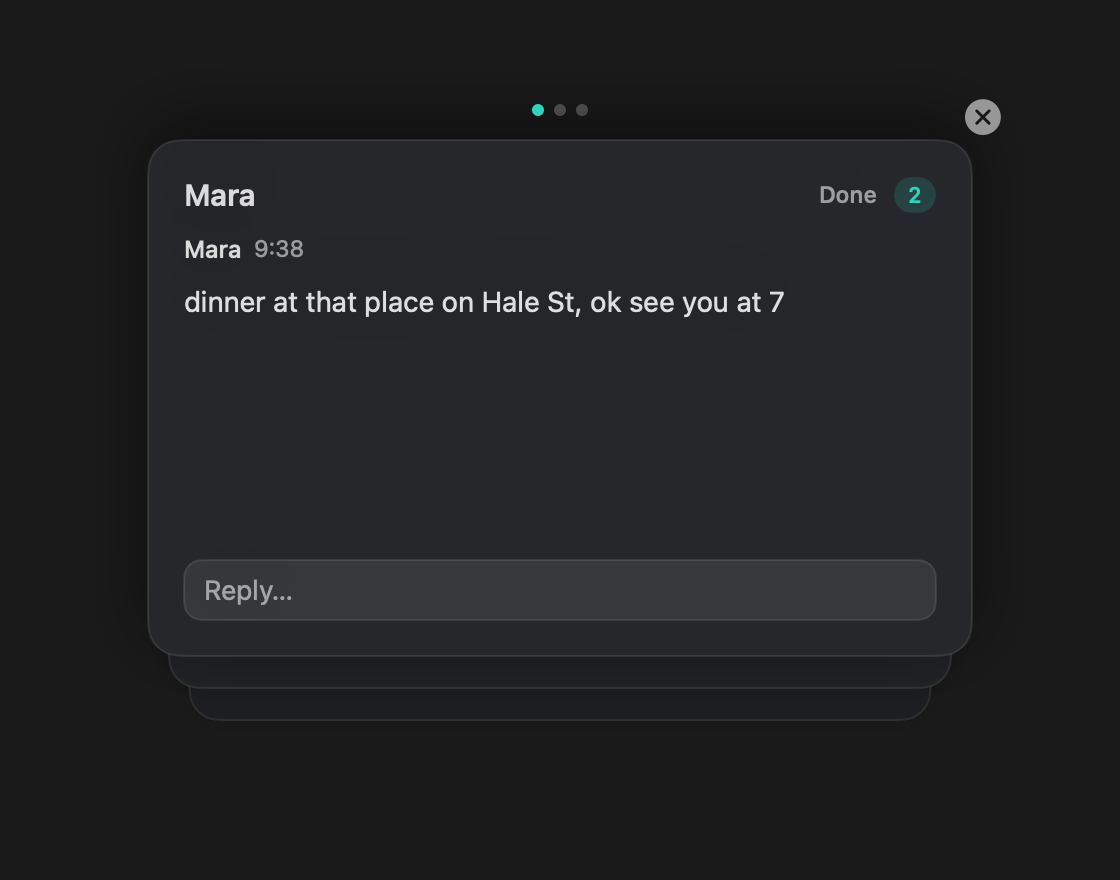
A focus view for the chats you starred. Press Ctrl+Option+S from any app and read what is new, one card at a time, newest on top.
| Option | Does |
|---|---|
| Move | ↓ → next card, ↑ ← previous. Scroll, swipe or click a card behind also works. It does not wrap. |
| Reply | Return or click Reply, type, Return to send. The card is cleared when sent. |
| Done | D or click Done to mark the chat read without replying. |
| Close | Esc, the close button, or the shortcut again. While typing, the first Esc leaves the box and keeps your draft. |
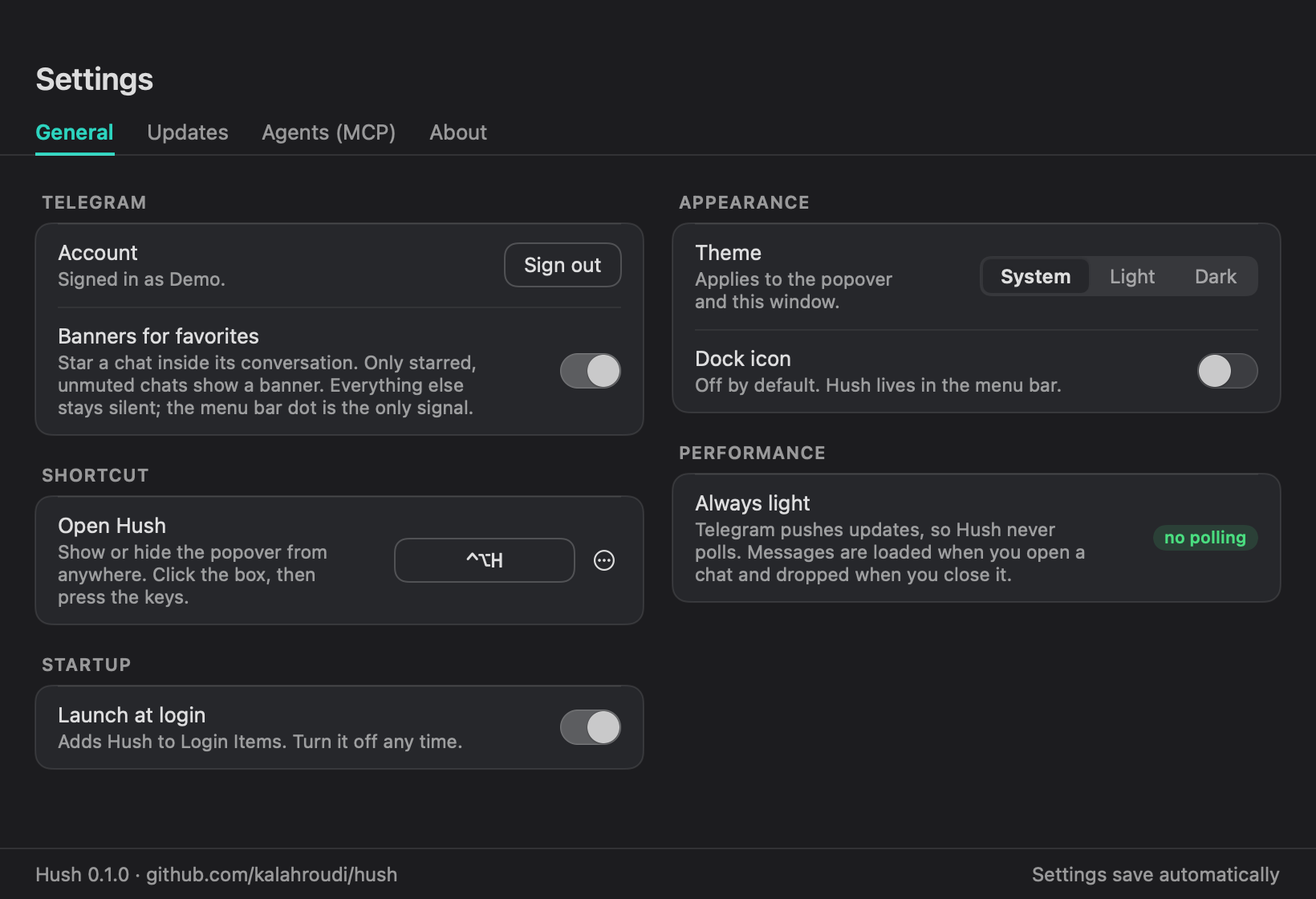
| Shortcut | Change it in Settings, Shortcuts. Conflicting shortcuts are rejected. |
| Live | New favorite messages join the open stack. While you reply, new chats wait so the card you are on never moves. |
| Accessible | VoiceOver actions for next, previous, reply, mark read and close. Reduced motion is respected. |
Install
curl -fsSL https://raw.githubusercontent.com/kalahroudi/hush/main/scripts/install.sh | bash
Setup downloads TDLib (Telegram's official library) into Hush's own folder, no Homebrew needed, and asks for a free API ID and hash from my.telegram.org/apps. Then sign in with your phone number.
If you download the DMG in a browser, macOS blocks the first launch because Hush is not notarized yet. Open Hush once, then go to System Settings, Privacy & Security, and click Open Anyway. The install command above avoids this.
Keyboard
| Keys | Does |
|---|---|
↑ ↓ | Move the highlight in the chat list. Stops at the first and last chat. |
Return | Open the highlighted chat. In the message box it sends. |
Tab Shift+Tab | Open the next or previous chat, wrapping at the ends. Works while typing. In the popover, Tab opens the first chat and Shift+Tab the last. |
Ctrl+Option+S | Open the favorites stack from anywhere: one card per favorite chat with unread messages, newest on top. Press it again to close. |
↓ → ↑ ← Esc | In the stack, go to the next or previous card without wrapping. Esc closes it. |
For agents
| Tool | Does | Changes anything |
|---|---|---|
hush_status | Signed-in account, unread count | no |
hush_list_chats | Chats with last line and unread | no |
hush_read | Latest messages of a chat, without marking them read | no |
hush_send | Sends as you | asks you every time |
claude mcp add hush --scope user -- /Applications/Hush.app/Contents/MacOS/hush-mcp
Settings