
Optimisation approach
CDesk is tuned for speed, low resource use and stability. These are sensible defaults, not universal rules, and every one can be changed. Here is what it does and why. CDesk is not affiliated with Colima.
What CDesk optimises
| Point | Why | How CDesk helps |
|---|---|---|
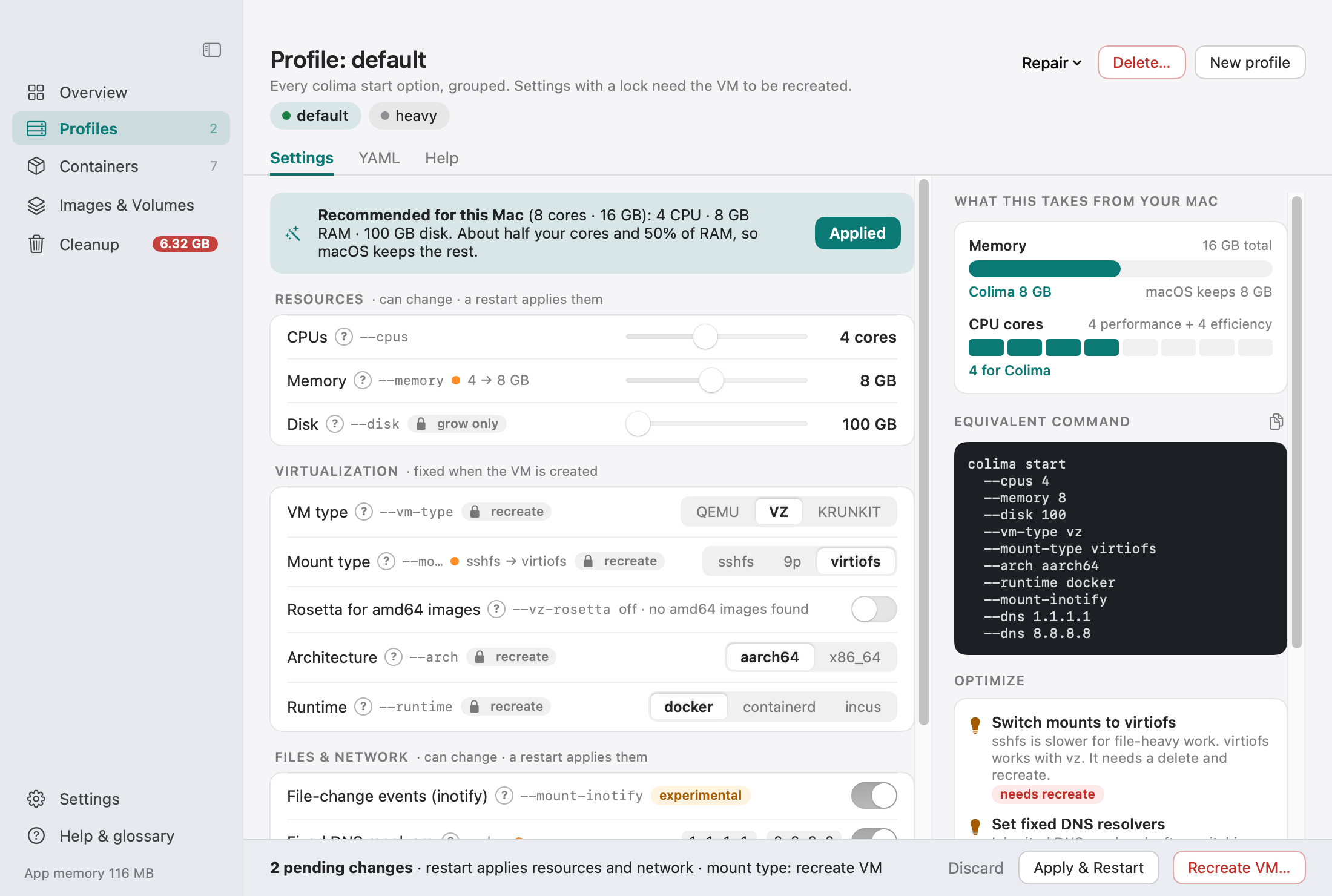
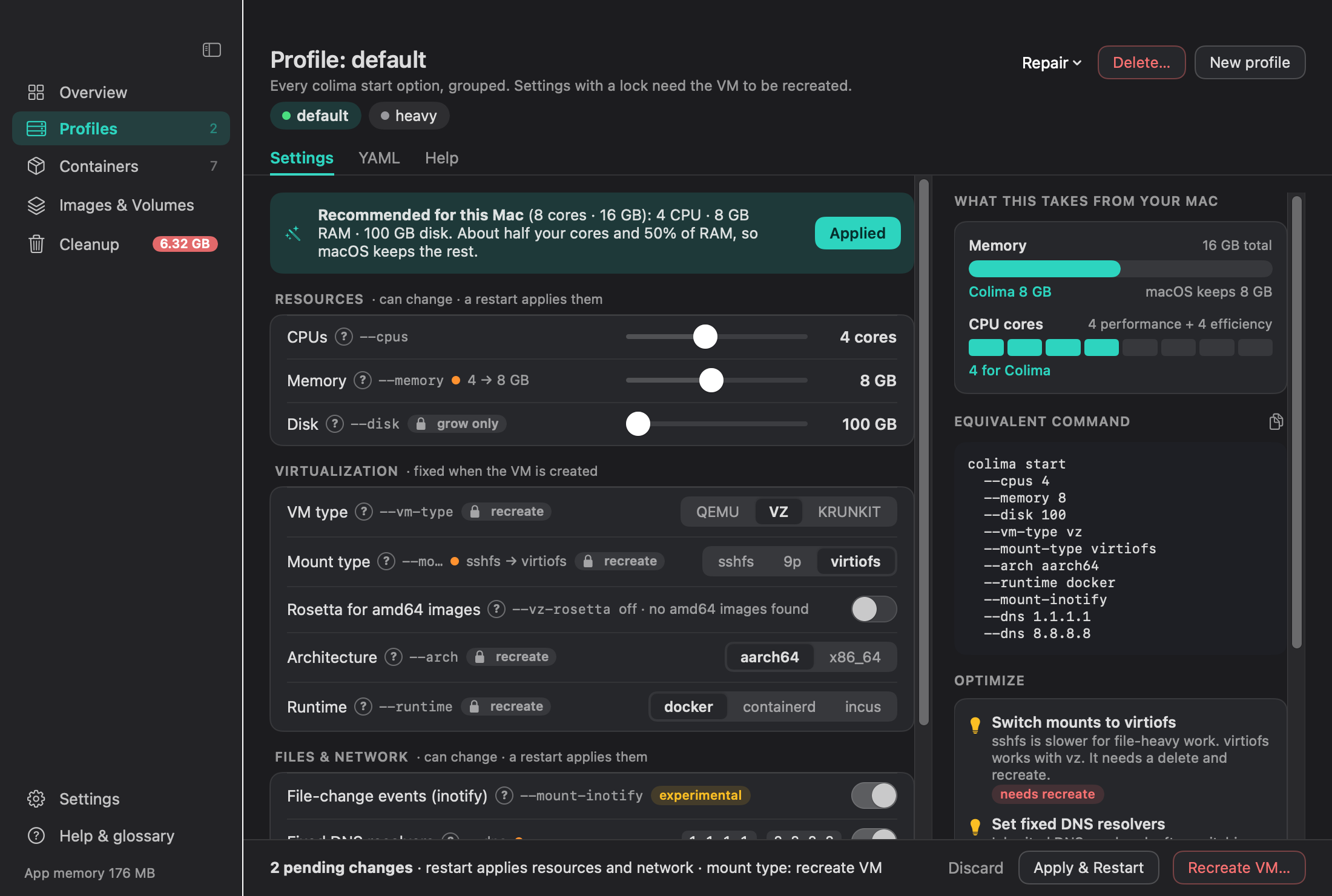
| 1. vz instead of qemu | Apple Virtualization.framework starts faster, uses less energy, and unlocks virtiofs and Rosetta (Apple silicon). | Recommends vz and marks it with a lock badge. |
| 2. virtiofs mounts | virtiofs instead of sshfs or 9p is usually much faster for npm install and builds. | Recommends virtiofs and warns about slow sshfs mounts. |
| 3. Know what is fixed | VM type, mount type, architecture and runtime are fixed at creation. Changing them means delete and recreate. | Lock badges, and a Recreate VM side sheet that shows what is kept and deleted, offers to export volumes, saves colima.yaml and the image list to ~/Colima Backups/<profile>/, and requires typing the profile name. |
| 4. CPU, memory, disk | CPU and memory change with a restart. Disk can only grow. | Tells you which kind of change you are making and offers Apply & Restart. |
| 5. Right-size the VM | About half your CPU cores and 50% of RAM. Colima’s own default is only 2 CPU and 2 GB. | Detects your Mac, recommends a size and shows a bar of what the VM takes from the Mac. |
| 6. Rosetta off by default | Only needed to run linux/amd64 images. | Only suggests it when linux/amd64 images exist. |
| 7. mountInotify | File-change events let nodemon, Vite and webpack work without polling. Colima marks it experimental. | Turns it on and explains it. |
| 8. Fixed DNS resolvers | 1.1.1.1 and 8.8.8.8 avoid breakage on Wi-Fi switches, VPNs and split-DNS networks. | Sets them, and offers Repair, then Use fixed DNS & restart. |
| 9. Kubernetes off | Leave it off unless you need it. | Off by default. |
| 10. Named profiles | A lean default, a heavy one for big builds, a minimal one for quick tests. | Manages profiles and switches the Docker context (colima or colima-<profile>) in one click. |
| 11. Keep colima.yaml in dotfiles | ~/.colima/<profile>/colima.yaml is your reproducible setup. | The YAML tab shows it, with copy, open and reveal. |
| 12. Know the exact command | The same setup, from the command line. | The Equivalent command box shows the exact colima start ... flags for the form, copyable. |
| 13. Plain-language advice | Know what to change, and how disruptive it is. | The Optimize panel gives advice marked good, suggestion or warning, and says whether a change needs a restart or a recreate. |
Sizing starting point
A sensible first size is about half your CPU cores and half your RAM, so macOS keeps enough for everything else. These are defaults, not universal rules: every workload is different, so adjust and watch the usage charts. CDesk detects your Mac and suggests a starting size.
| Your Mac | CPU | Memory | Disk |
|---|---|---|---|
| 8 GB RAM | 2 to 4 | 4 GB | your choice |
| 16 GB RAM, 8 cores | 4 | 8 GB | 100 GB |
| 32 GB RAM | about 8 | about 16 GB | your choice |
For comparison, Colima’s own default is only 2 CPU and 2 GB.
What needs a restart, and what needs a recreate
| Change | What it takes |
|---|---|
| CPU count | Restart |
| Memory | Restart |
| Disk size (grow only) | Restart |
| Fixed DNS resolvers | Restart |
| VM type (vz or qemu) | Recreate (locked) |
| Mount type (virtiofs, sshfs, 9p) | Recreate (locked) |
| Architecture | Recreate (locked) |
| Runtime | Recreate (locked) |
Rosetta, mountInotify and Kubernetes are listed in the Optimize panel, which tells you for each change whether it needs a restart or a recreate. Disk can never shrink.
Credit
Read the original: Colima is by Abiosoft.